Category: SharePoint

According to Wikipedia, SharePoint is a web-based collaborative platform that integrates with Microsoft Office. Launched in 2001, SharePoint is primarily sold as a document management and storage system, but the product is highly configurable and usage varies substantially between organisations.

Due to the highly configurable nature of SP and the multitude of versions available, we offer a vast collection of classic and moder SP information within this category which covers everything from Enterprise Users of the latest SP Release.

Therefore, this category is broad too, and is full of handy tips, tricks and advise. Check out some of the Step by Step blogs or learn with our eBooks, How To videos and Webinars.

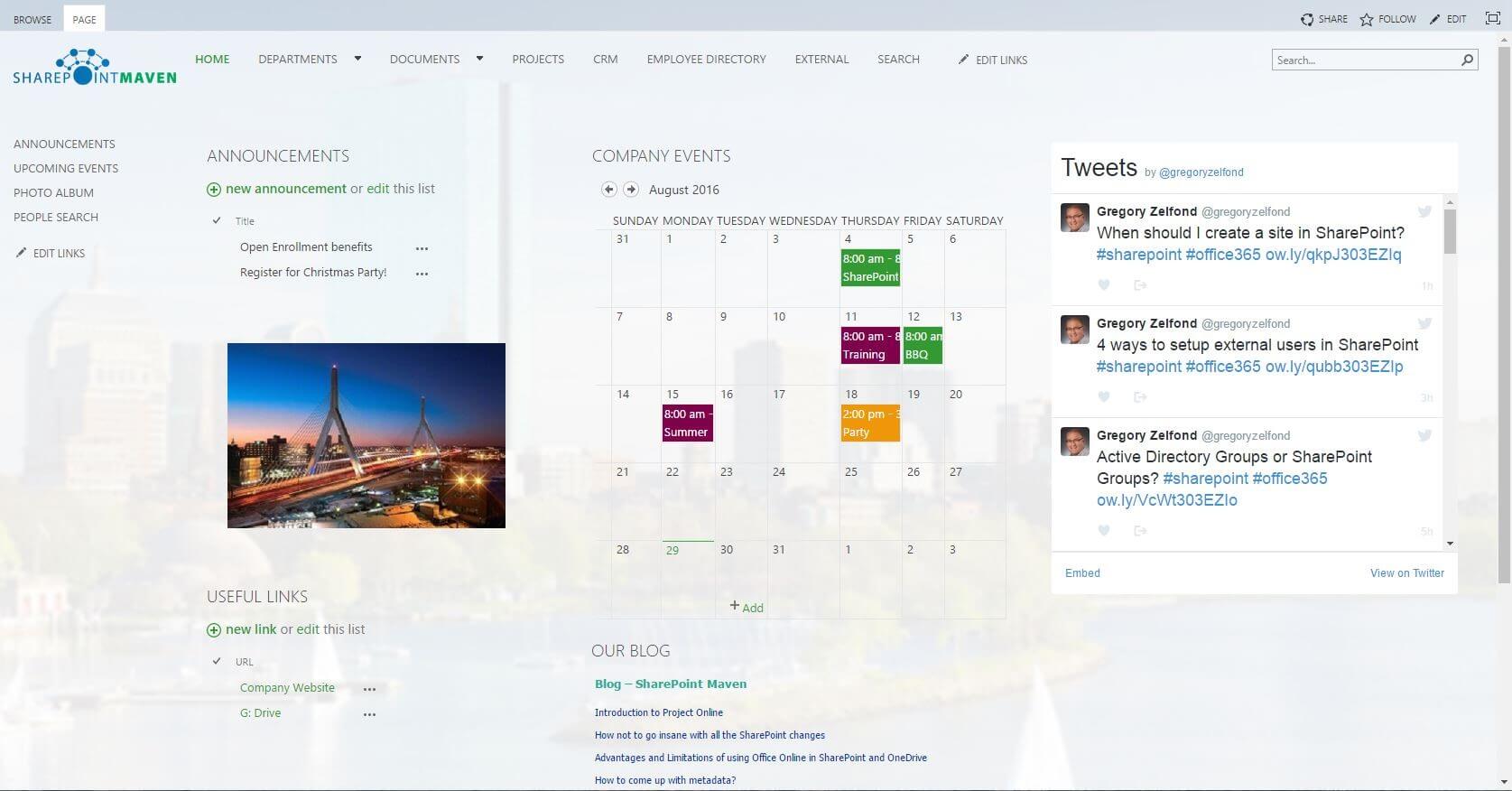
SharePoint Intranet Home Page: 8 Best Practices
Blog Posts

If you are building your company’s Intranet on SharePoint, you will eventually have to make one very important decision: What do you do with the Intranet home page? No matter what the objective of your portal is, you kind of need to have a home page. But how do you go about designing it? What… READ MORE

Copy Documents between Site Collections in Office 365
Blog Posts

In this blog I am going to share the code to copy documents between site collections using CSOM on Office 365 SharePoint. The below code uses the recursive method to get all documents from source site collection and copy it to the target site collection. The script also preserves the modified and modified by details… READ MORE

Create Tab in Office 365 SharePoint Lists
Blog Posts

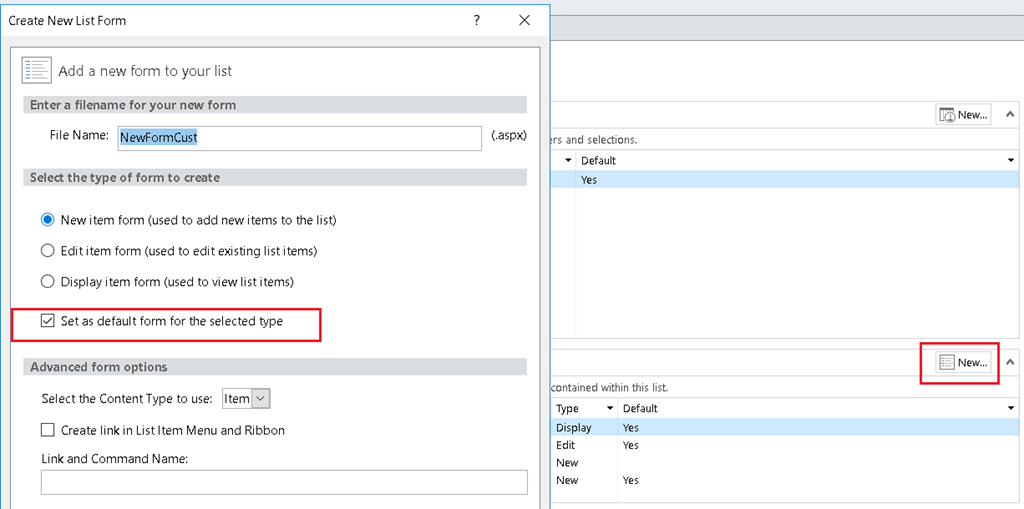
This short article shows you how to create tab look in SharePoint Custom Lists When I went to http://www.w3schools.com/howto/howto_js_tabs.asp. I saw the tab I want but how am I going to put this in my Office 365 SharePoint. Create a SharePoint Custom List Open SharePoint Designer 2013 and point to the SharePoint site. Choose Lists… READ MORE

GigJam – First-Hand Experience
Ebooks

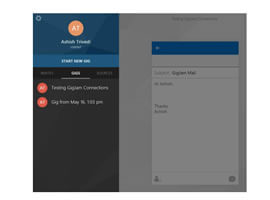
GigJam was first demonstrated during Worldwide Partner Conference 2015 where it gained traction. It showed that you can connect multiple systems on a ‘Gig’ and work with peers to collaborate on those Gigs. This looked (and indeed it is) simple without the hassle of building integration channels, using delegations (if supported by the system) or… READ MORE

Best Practices for Deploying SharePoint Online & SharePoint 2016
Webinars

Best Practices for Deploying SharePoint Online & SharePoint 2016- firstly, Best Practices for Deploying SharePoint Online & SharePoint 2016 webinar- Are you looking for a better strategy to implement Office 365 but already have an on-premise SharePoint 2013 or SharePoint 2016 implementation? If so this session is for you to understand how both systems can… READ MORE

How to Build an MVC Application for SharePoint
How Tos

Please log-in to view this video. Sign up for FREE ACCESS HERE Presenter: Stefano Tempesta, VP Engineering at Turbedo Networks, Australia. In this video you will learn how to: 1. Write code to perform basic operations with the SharePoint 2013 .NET Framework client-side object model (CSOM). 2. Build an ASP.NET MVC application that retrieves information from a… READ MORE

Office 365 for Dummies Ch 3. Unleashing the Power of Exchange Online
Ebooks

In the famous, friendly For Dummies way, this handy guide prepares you to get your head in the cloud and start making the most of Office 365 through Exchange Online. This FREE eBook contains excerpts from ‘Office 365 for Dummies – Unleashing the Power of Exchange Online‘. In this chapter, – Discover how Exchange Online provides flexibility and reliability… READ MORE

Use PowerShell to Manipulate the Values of a SharePoint Choice Field
Blog Posts

Using PowerShell, we’re going to walk through handling a Choice field in a list. Specifically, this is a calendar list using the Category field. This may come in handy if you want to automate changing the values from another data source that BCS can’t connect to, or is too much work to get it to connect. I always prefer using SharePoint’s features, but sometimes we need to stretch it to make it work.