Author: Ella Murphy

5 Best Practices for Microsoft Teams and Information Management
Blog Posts

As more organizations start utilizing Microsoft Teams, there are increasing concerns around how to properly manage all the information that users are generating. In our recent webinar, we provided the basic steps of how to get information management up and running simply and quickly. The key is breaking the problem down into bite-sized, actionable chunks!   1. Map and Understand Your Information  The first step is to… READ MORE

Microsoft Teams Governance
Blog Posts

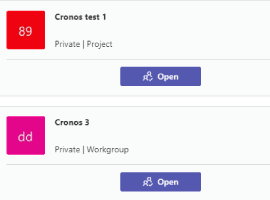
Governance is not about limiting freedom. The point is to be able to manage Teams while removing chaos and sprawl so users can work in a compliant fashion that does not affect their day to day productivity. This blogs walks you with various controls available to better govern Microsoft Teams.  You need to remember that… READ MORE

Automate governance in Microsoft Teams: Reporting
Blog Posts

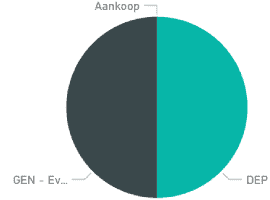
After putting a stable application in production, we needed some reporting on what was being created in our environment. Our licenses included Power BI, so that choice was easy although we didn’t have any previous experience building reports. Data import Before you can build a report, you need to import your data into Power BI.… READ MORE

Automate governance in Microsoft Teams: The Result
Blog Posts

For the second post in this series, let’s first take a look at the (functionality of the) end result before we go deep-dive into the technical details. This was put in place after months of hard work by a number of people.The intermediate, not-so-successful, versions will get a honorable mention in the next posts! In… READ MORE

Add Google Charts into SharePoint Framework Web Part
Blog Posts

This post is based on the question in sp-dev-docs repo. The question is how can we render a Google Charts in SPFx web part. Actually, it’s pretty easy thing to do. As a starting point I’ll be using the code provided in the question I mentioned above: <script type=”text/javascript” src=”https://www.gstatic.com/charts/loader.js”></script> <script type=”text/javascript”> google.charts.load(“current”, {packages:[“corechart”]}); google.charts.setOnLoadCallback(drawChart); function drawChart()… READ MORE

Managing Azure from an iPad
Blog Posts

I recently got the new iPad Pro 11 Inch (with keyboard) and have been really enjoying it. I have been trying to do more and more of my daily work on it, from emails and writing documents. One area that I been investigating further is how I can manage and work with Azure from an… READ MORE

Adding Authentication to your HTTP Triggered Azure Functions
Blog Posts

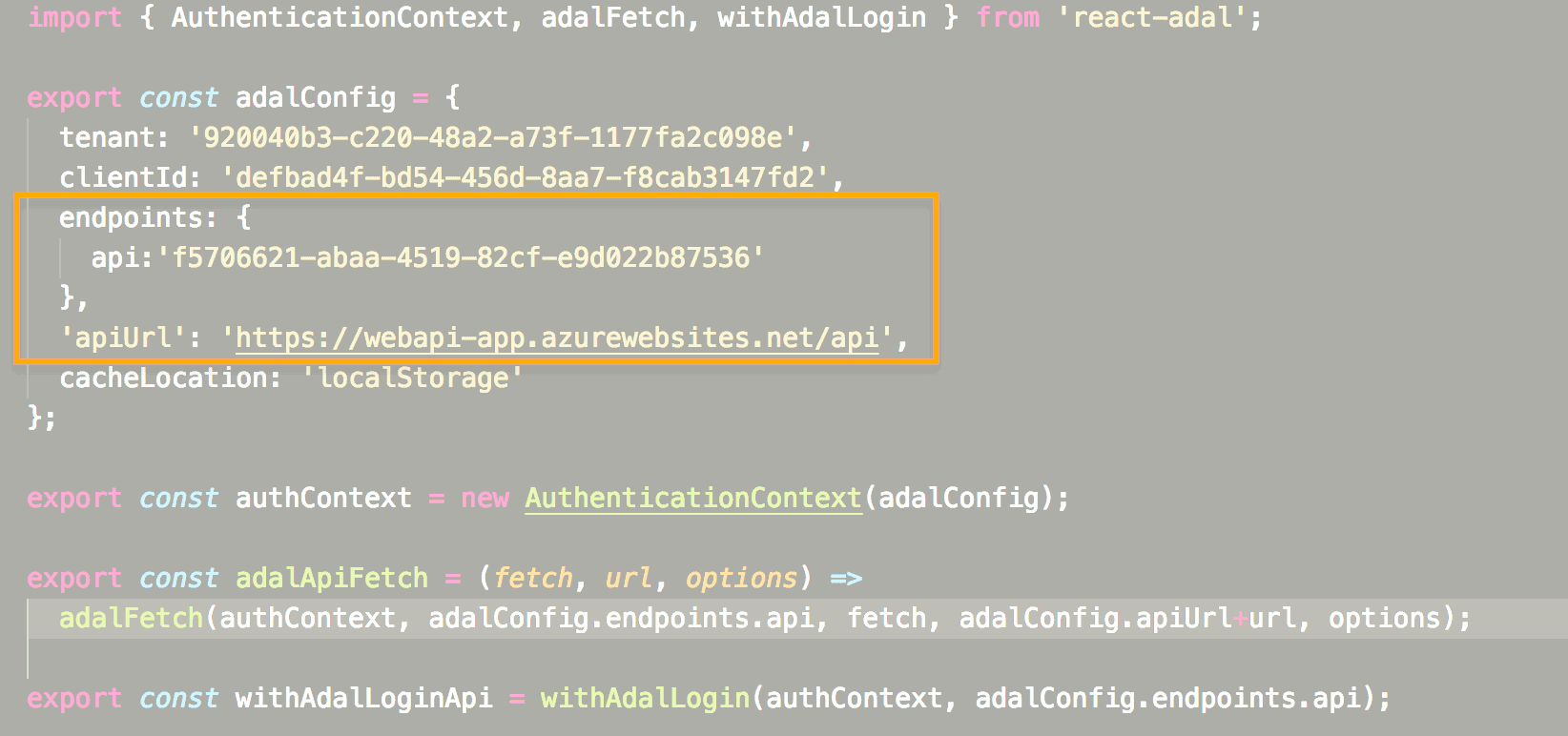
Azure Functions are great! HTTP triggered Azure Functions are also great, but there’s one downside. All HTTP triggered Azure Functions are publicly available. While this might be useful in a lot of scenario’s, it’s also quite possible you don’t want ‘strangers’ hitting your public endpoints all the time. One way you can solve this is… READ MORE