Author: sean@sharepointeurope.com

Power Platform Fundamentals #2: Introduction to Microsoft Power Platform – Fundamentals, Architecture, and Business Value: Quick Read Series
Blog Posts

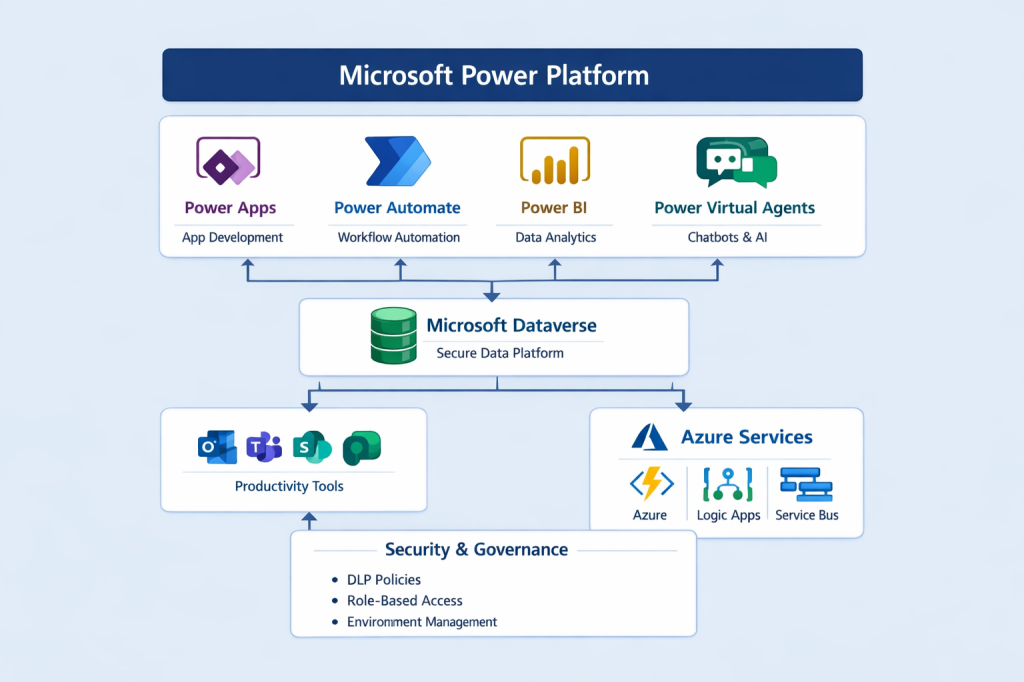
1. Business Problem Statement In most enterprises today, business users depend heavily on IT teams for even the smallest process changes.Typical challenges include: These challenges directly impact time-to-market, operational efficiency, and business agility. This is where Microsoft Power Platform plays a crucial role. 2. What is Microsoft Power Platform? Microsoft Power Platform is a low-code application platform that enables organizations… READ MORE

Power Platform environment variables, default vs current values
Blog Posts

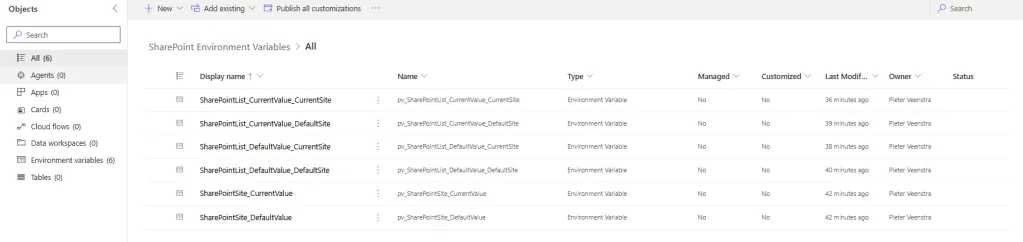
When you use multiple environments (and you always should do) in the Power Platform, then it is almost impossible to avoid environment variables. Each environment variable can have default and current values. What is the difference between default and current? SharePoint Environment variables Table of Contents There are two types of SharePoint environment variables. Then we… READ MORE

Power Platform CLI: Exploring the MCP Server Benefits
Blog Posts

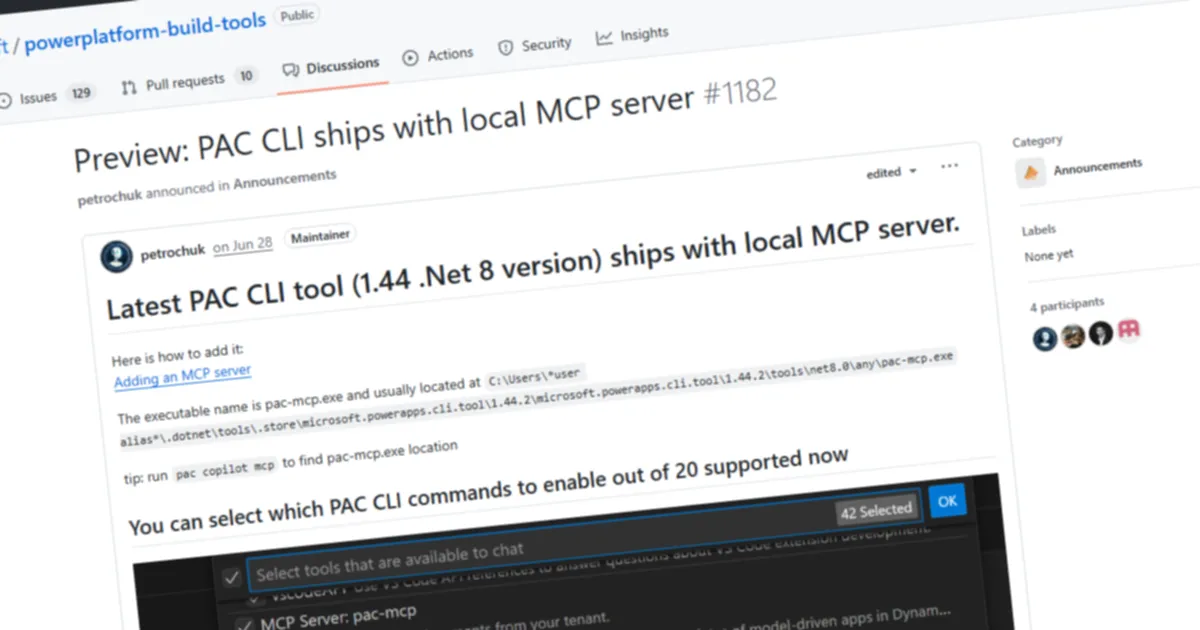
I can’t believe I missed it, but the Power Platform CLI has support for the MCP Server, so definitely something you need to explore! Here’s a quick write-up on setting it up, wiring it into VS Code, and using it to analyze a Power Platform solution through prompts. Installing or updating If you have installed the PAC CLI… READ MORE

Manipulate JSON objects or arrays: using setProperty/addProperty
Blog Posts

In Power Automate, working with JSON objects and arrays is essential for building advanced, scalable, and maintainable flows. JSON acts as the backbone of data exchange, allowing you to represent structured information flexibly. Two powerful expressions—setProperty() and addProperty()—unlock the ability to dynamically update, expand, and manipulate JSON objects. This article explores what these functions do, why they matter, and… READ MORE

Environment variables in Canvas Apps
Blog Posts

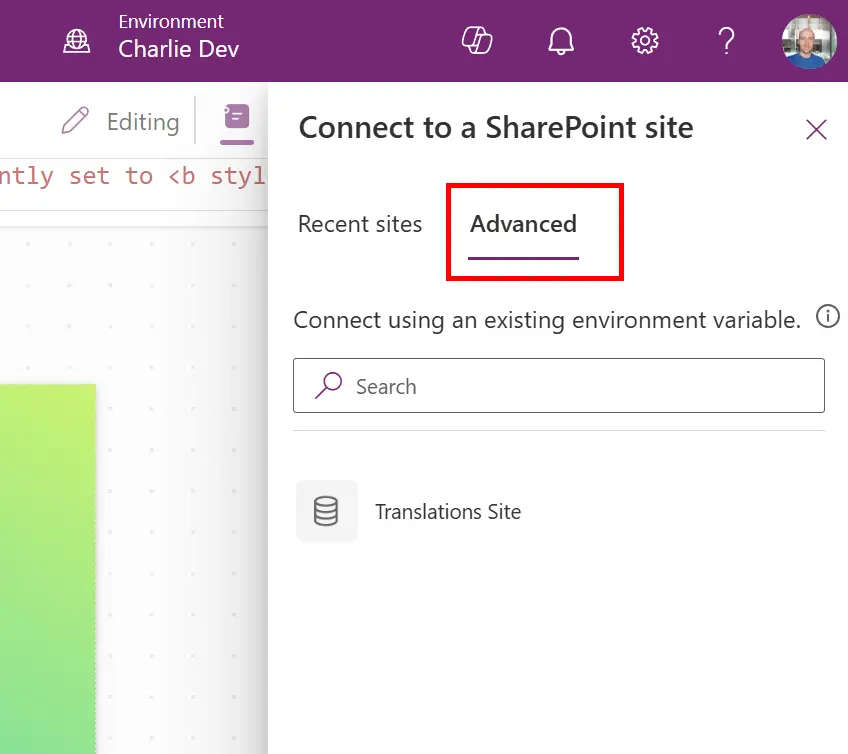
What are Environment Variables? Environment variables are a way to store and manage configuration data that can be reused across apps, flows, and other components within a Dataverse environment. They help make your solutions more portable, maintainable, and scalable. As an example, you might be storing your files in Azure Blob storage. You would want… READ MORE

First Look at Generative Pages in Power Apps
Blog Posts

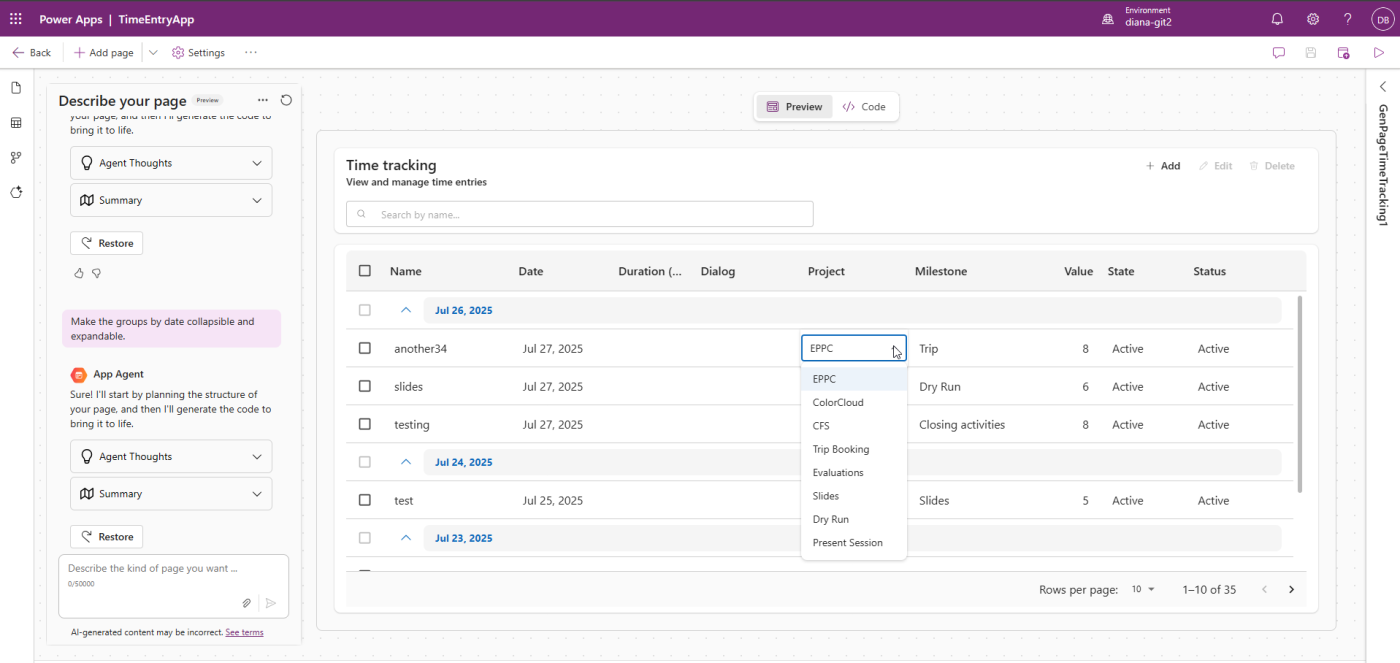
With Generative Pages (find announcement and docs here) we can create a page in Model-Driven Apps using natural language. You can see it as a reimagined Custom Page with two differences: Why do we need Generative Pages? If you are a Power Apps maker, maybe you think:“I’ve learned already PowerFx, why would I need something new?“. First of all,… READ MORE

Drop the Shadow: Rethinking Drop Shadows in Power BI
Blog Posts

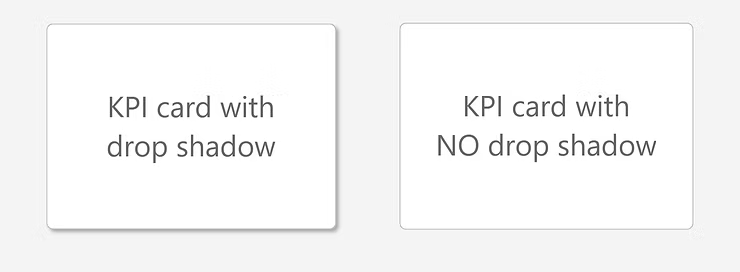
Why they’re not helping your users—and what to do instead. I’ve been seeing drop shadows everywhere lately—especially in dataviz challenges, community reports, and portfolios. What is a drop shadow? 💡 A soft, blurry effect added behind a visual or card to make it look like it’s floating slightly above the background. I get why people add them.… READ MORE

What Mario Kart teaches us about user experience
Blog Posts

Picture this: you open a Power App. It works? Sure. But you’re not sure where to click, the colors are clashing, and you feel… a bit lost. Sound familiar? This is exactly why UX in low-code apps is not just a “nice to have,” but crucial for adoption. 🎮 Mario Kart as a UX teacher… READ MORE

Power Platform Dataflows impacted by DLP policies
Blog Posts

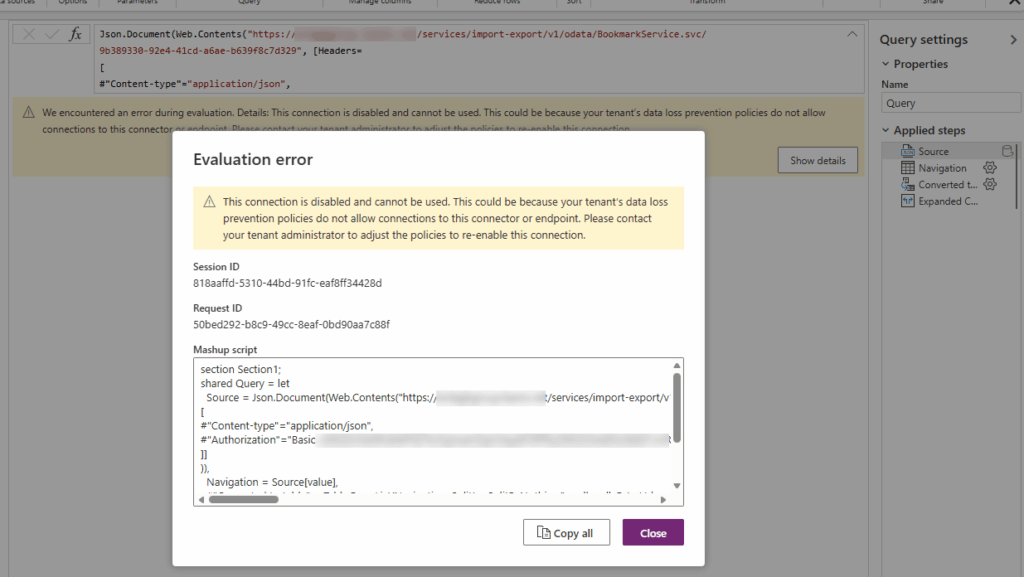
Recently, while enforcing new DLP policies at the customer’s tenant, some of the existing Dataflows stopped working, claiming that the connections they are using are now disabled and cannot be used. https://pagead2.googlesyndication.com/pagead/ads?client=ca-pub-7097550760842029&output=html&h=280&adk=621511600&adf=1580783009&w=1200&fwrn=4&fwrnh=100&lmt=1770376687&rafmt=1&armr=3&sem=mc&pwprc=1086287387&ad_type=text_image&format=1200×280&url=https%3A%2F%2Fposzytek.eu%2Fen%2Fmicrosoft-en%2Fpp-en%2Fgov-en%2Fpower-platform-dataflows-impacted-by-dlp-policies%2F&host=ca-host-pub-2644536267352236&fwr=0&pra=3&rh=200&rw=1266&rpe=1&resp_fmts=3&aieuf=1&aicrs=1&fa=27&uach=WyJXaW5kb3dzIiwiMTkuMC4wIiwieDg2IiwiIiwiMTQ0LjAuMzcxOS4xMDQiLG51bGwsMCxudWxsLCI2NCIsW1siTm90KEE6QnJhbmQiLCI4LjAuMC4wIl0sWyJDaHJvbWl1bSIsIjE0NC4wLjc1NTkuMTEwIl0sWyJNaWNyb3NvZnQgRWRnZSIsIjE0NC4wLjM3MTkuMTA0Il1dLDBd&abgtt=7&dt=1770376687407&bpp=3&bdt=6112&idt=-M&shv=r20260204&mjsv=m202602030101&ptt=9&saldr=aa&abxe=1&eo_id_str=ID%3D76c728100bcbe66b%3AT%3D1769515639%3ART%3D1769515639%3AS%3DAA-AfjY0XGKZZKub_2ZIJbRoOck4&prev_fmts=0x0&nras=2&correlator=503325295376&frm=20&pv=1&u_tz=0&u_his=1&u_h=1080&u_w=1920&u_ah=1032&u_aw=1920&u_cd=24&u_sd=1&dmc=8&adx=95&ady=1028&biw=1857&bih=914&scr_x=0&scr_y=0&eid=31096537%2C95378425%2C95381033%2C95381247%2C95381489%2C95382335%2C95382730&oid=2&pvsid=2159332966434077&tmod=458214287&uas=0&nvt=1&ref=https%3A%2F%2Feuc-excel.officeapps.live.com%2F&fc=1408&brdim=-1919%2C1%2C-1919%2C1%2C1920%2C0%2C1918%2C1030%2C1872%2C914&vis=1&rsz=%7C%7Cs%7C&abl=NS&fu=128&bc=31&bz=1.02&pgls=CAEaBTYuOC4z~CAEQBBoHMS4xNjYuMA..&num_ads=1&ifi=2&uci=a!2&btvi=1&fsb=1&dtd=48 As the reason, message suggested that “This could be because your tenant’s data loss prevention policies do not allow connections to this connector… READ MORE

Basic – DocuSign for Power Automate
Blog Posts

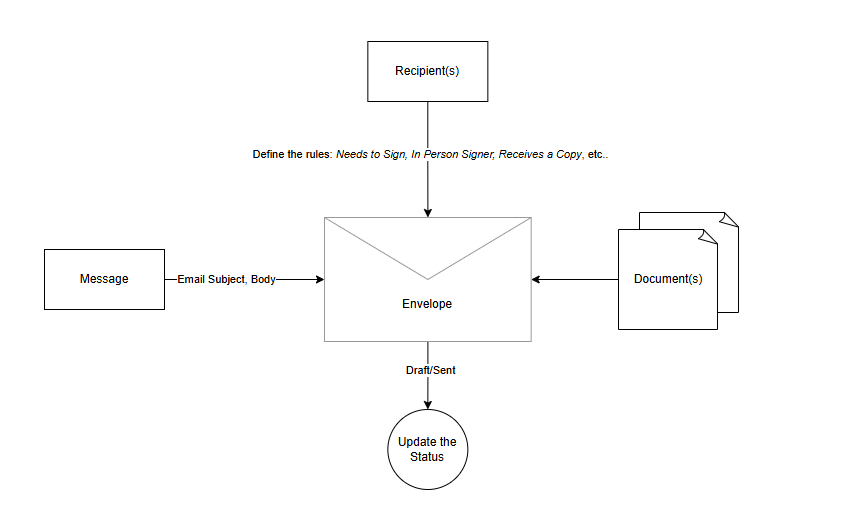
DocuSign is a cloud-based electronic signature platform that lets individuals and businesses sign, send, and manage documents digitally. In the Power Platform, specifically Power Automate itself, DocuSign publishes 2 connectors: the DocuSign connector and the DocuSign Demo connector. Here is the list of the differences between them: Type Sign Up URL Description Production Docusign Login – Enter email to start sign in – Production purposes– Only letting… READ MORE