Tag: Power Platform

Basic – DocuSign for Power Automate
Blog Posts

Hi Everyone, I’m back, and today, we will learn how to implement translating addresses to longitude and latitude (using Azure Maps API) and validating check-ins. For example, there will be a plan for the Salesperson to go to location X for Customer A. On the day itself, the Salesperson can check in on the Client Office,… READ MORE

Catch the Unknown: Using OnError in Power Apps
How Tos

In part of our series, we continue on with global error handling in Power Apps using the OnError property of the App. This PowerFX function allows you to capture or “trap for” all unhandled errors. That is a fancy way of saying when an error occurs you weren’t expecting you can handle it. Also, get… READ MORE

Let's Get Started with Power Apps code apps
Let’s Get Started with Power Apps code apps
How Tos

A concise, hands-on walkthrough of building your first Power Apps Code App with Vite, React, and the Power Platform CLI. In this video, Klaven (Solutions Consultant & Microsoft MVP) shows how to: Enable Power Apps Code Apps (preview) in the Power Platform Admin Center Set up your dev environment with VS Code, Node.js, Git, and… READ MORE

Which SharePoint form are you using?
Blog Posts

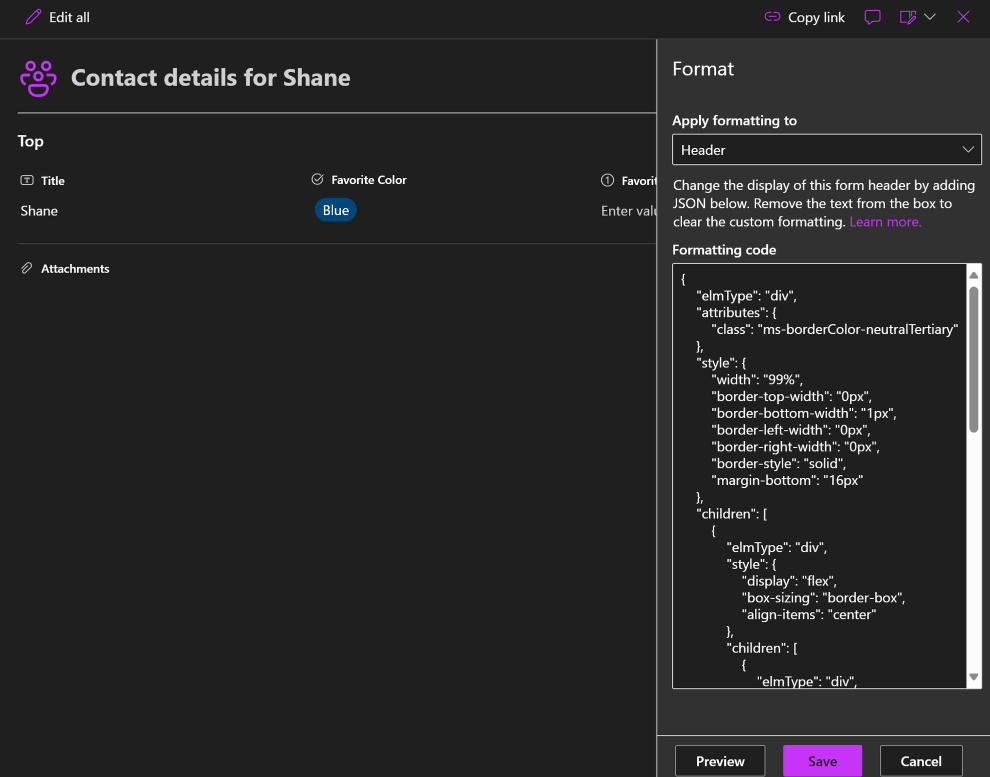
Welcome to our in-depth guide on leveraging SharePoint forms, Microsoft List, and Power Apps to enhance your data management processes. In our latest video, we dive into these tools, exploring their features, benefits, and limitations. Whether you’re new to SharePoint or a seasoned user, this guide will provide you with valuable insights to optimize your… READ MORE

Top Session Picks from the EPPC25 Programme Team
Blog Posts

The European Power Platform Conference 2025 is fast approaching with just over one week to go until the Power Platform community will come together in Vienna. We caught up with Jussi Roine, Donald Hessing and Antti Pajunen, three key voices behind this year’s programme, to hear their EPPC25 top session picks and must-sees. The EPPC… READ MORE

A Day In The Life Of A(n Accidental) Fabric Administrator
Webinars

20250527-ESPC-Fabric-Week-A-Day-In-The-Life-of-a-Fabric.pdf Webinar Description: In this session, we will take a look at tasks and components that can (or should!) be part of a Fabric Admin’s daily routine. – The changed role of the Fabric Admin – Tenant settings – Handling (My) Workspace(s) – Capacity and Admin Monitoring – Power Platform Admin Center I will also show… READ MORE

Find the New AI Plugin Button in Copilot Studio
Blog Posts

My name is Rachel Irabor, and I’m a Power Platform and Dynamics 365 CRM developer and trainer. I love to document what I have learned or encountered. Subscribe for the latest newsletters and articles from my Medium and LinkedIn accounts. Plan to create a prompt plugin in Copilot studio and you are looking for the… READ MORE

Power Pages – Web templates as components
Blog Posts

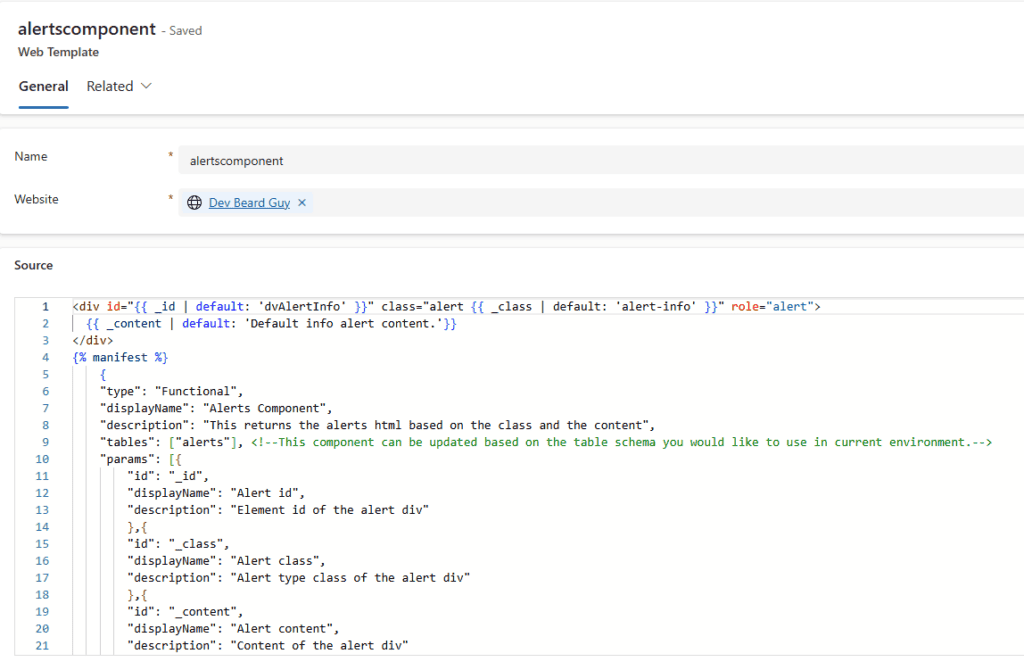
As a power pages developer, most of us are familiar with writing “Web Templates” using liquid to design our portal layout and templates. However, the opportunity to use your web template as a component can be beneficial when dealing with redundant code or complex requirements. Initialising the component To add a component to your webpage,… READ MORE

Rapid Development with YAML & Components in Power Apps
Webinars

Canvas App development is being revolutionised, and it’s time to find out how. We’re constantly being told drive our solutions forward at breakneck speed, but how can we do this without compromising on quality? This is where YAML and canvas components come in. – Introduction to YAML and its application in Power Apps – The… READ MORE