Tag: SharePoint Online

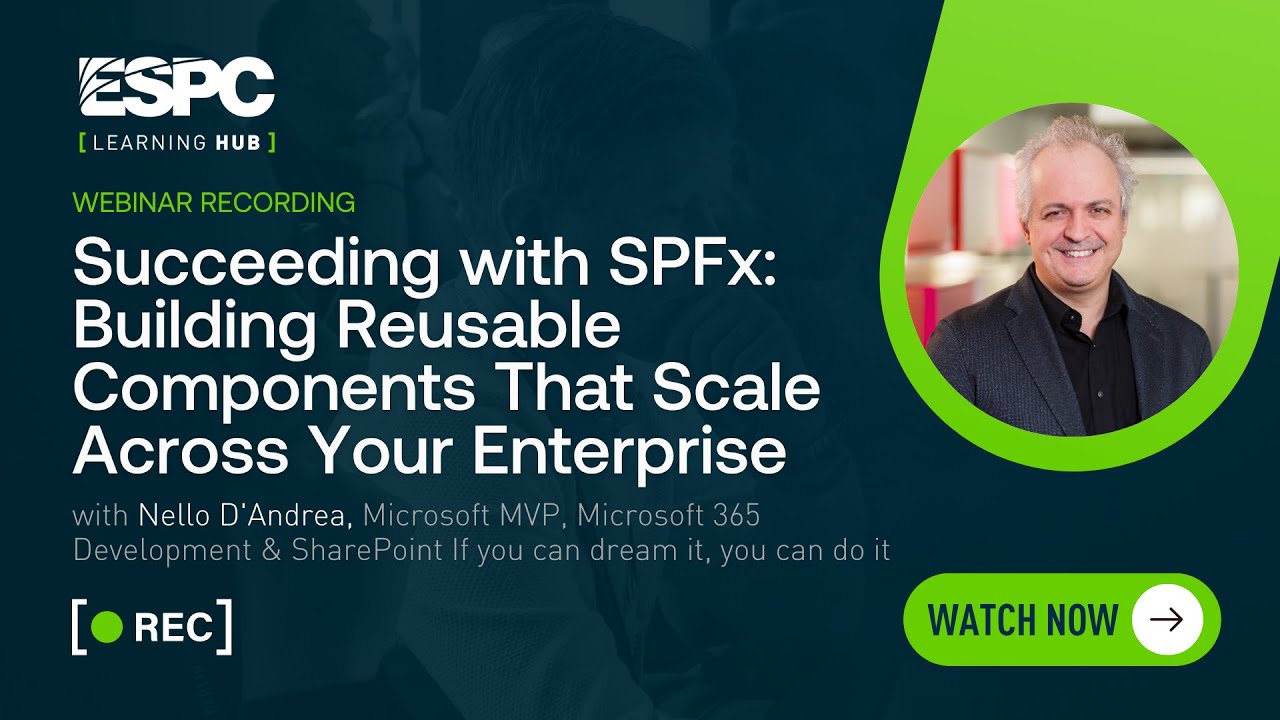
Succeeding with SPFx
Blog Posts

SPFx enables rapid and versatile development. It is the most widely used development technology when it comes to Microsoft 365 and particularly SharePoint Online extensibility. I will share my thoughts, setup, and how we succeeded. Table of Contents Key Areas of Recommendation I will focus on four important areas: Framework & Technologies When starting with… READ MORE

🤯 Using a SharePoint Online list as a Knowledge source via ACTIONS in Copilot AI Studio
Blog Posts

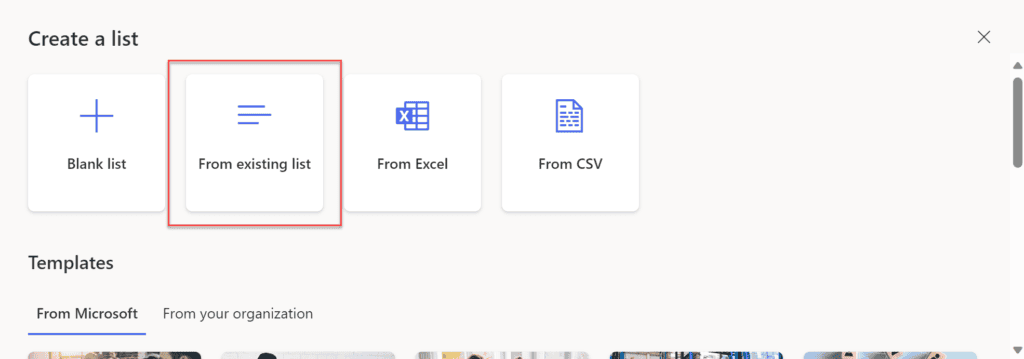
Are you tired of not being able to use SharePoint Lists as knowledge in Copilot Studio? You’re not alone. Copilot Studio supports Dataverse, SharePoint sites and document libraries, and even public websites. But SharePoint Lists? Not natively. Which is frustrating, especially when a lot of structured business knowledge lives in lists. Copilot Studio doesn’t let you directly treat a SharePoint List as a knowledge… READ MORE

Configuring CSV Export in PDF Editor for SharePoint
Blog Posts

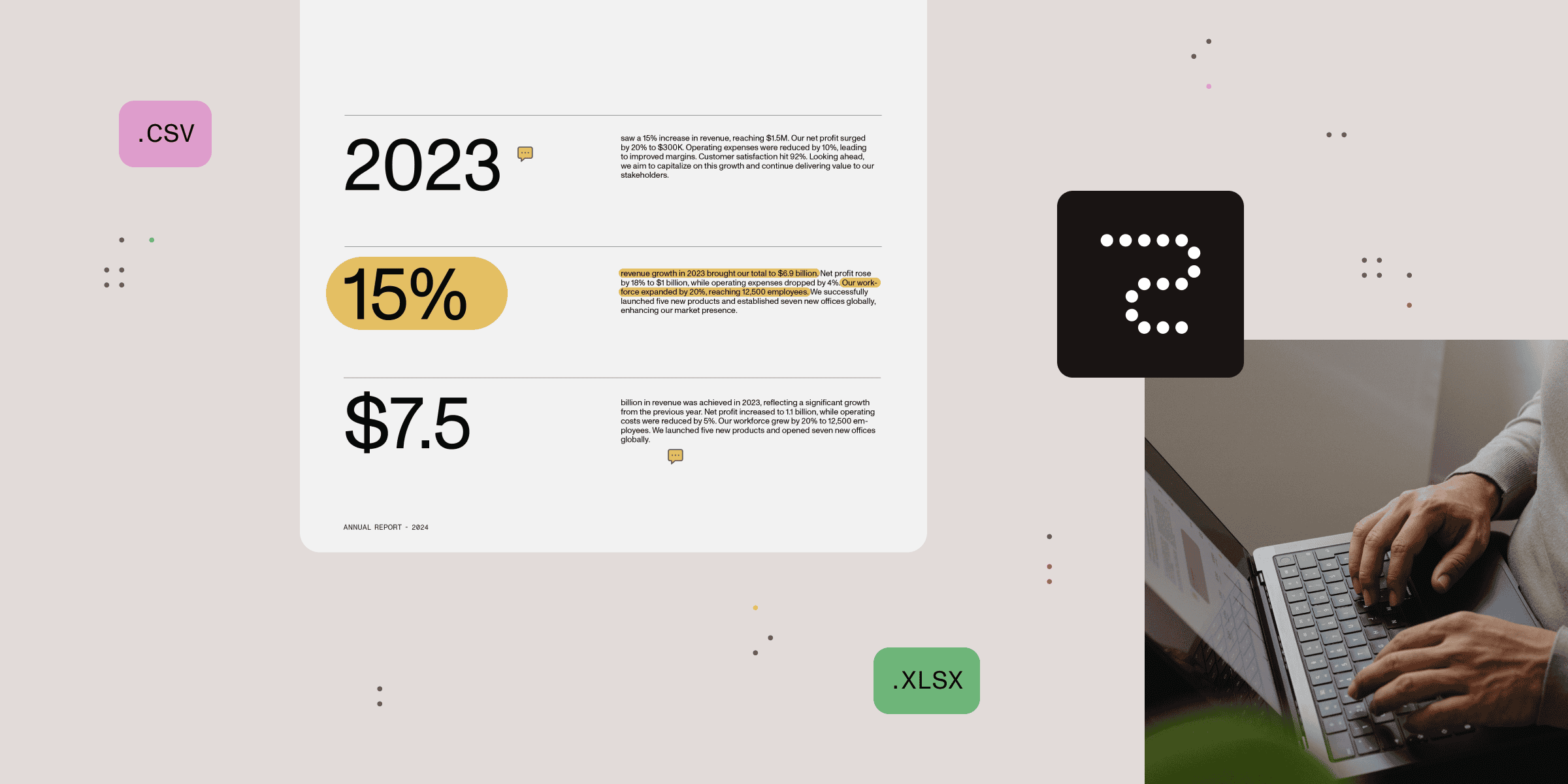
‍PDF Editor users now have the option of exporting annotations and comments in CSV format. They can choose which properties to export, along with the column order. This can be configured by adding two storage entity properties using PnP PowerShell, and a CSV button will appear in the main toolbar. It’s possible to export only… READ MORE

Mitigating Microsoft 365 Oversharing Risks
Webinars

Webinar Description: Many organizations are facing the problem of oversharing in SharePoint Online, which exposes them to both external and internal threats when employees can access information that they shouldn’t. With the introduction of Microsoft 365 Copilot to organizations of all sizes, AI makes that information even more accessible and increases the risk. In this… READ MORE

Step-by-Step Guide to Adding a Custom Content Type in SharePoint Library
Blog Posts

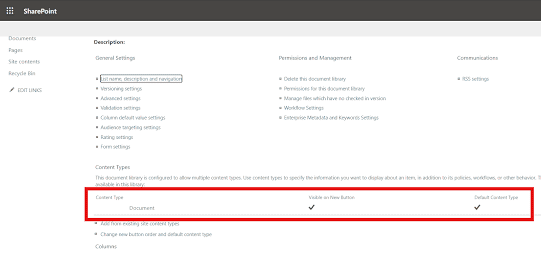
Prerequisites 1. Create a SharePoint Site First, we need to create a SharePoint site where the custom content type will be added. POST https://<your-tenant>.sharepoint.com/_api/SPSiteManager/create {   “request”: {     “Title”: “Your Site Title”,     “Url”: “https://<your-tenant>.sharepoint.com/sites/YourSiteName”,     “Lcid”: 1033,     “ShareByEmailEnabled”: false,     “Classification”: “Low Business Impact”,     “Description”: “Site for your specific purpose”,     “WebTemplate”: “STS#3”,     “SiteDesignId”: “6142d2a0-63a5-4ba0-aede-d9fefca2c767”,     “Owner”: “your-email@your-domain.com”,     “WebTemplateExtensionId”: “00000000-0000-0000-0000-000000000000”… READ MORE