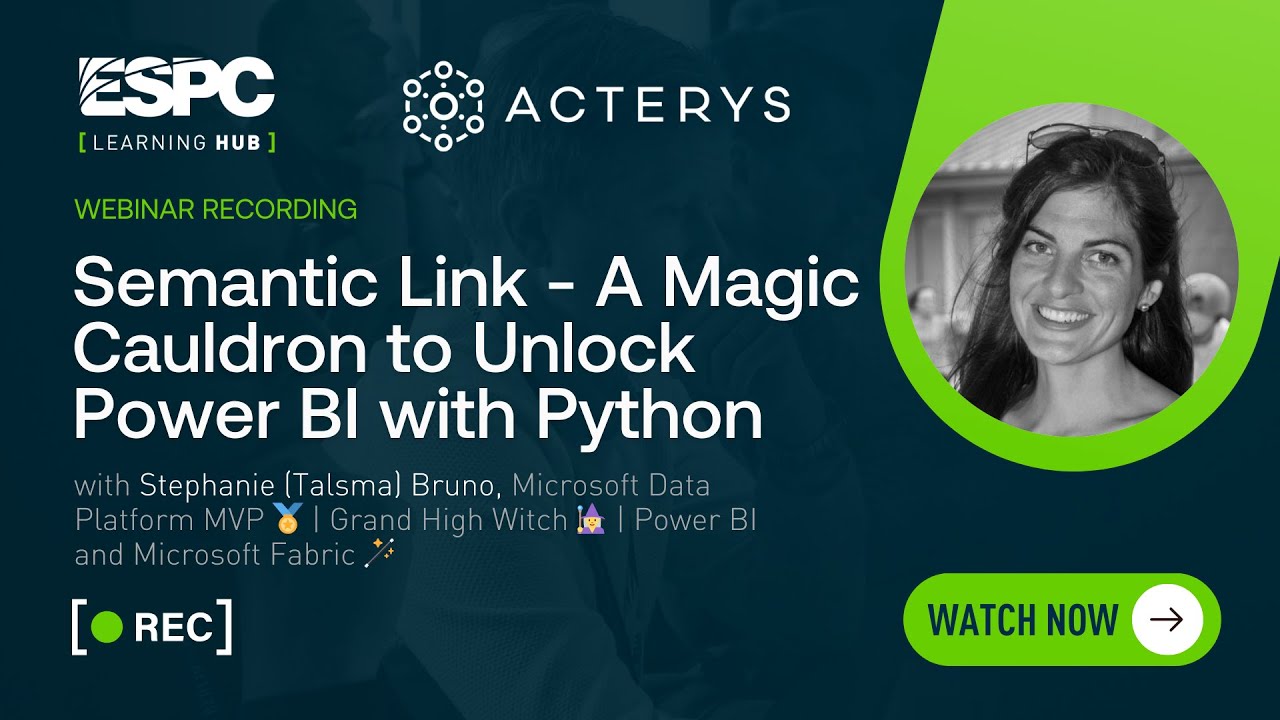
Webinar Description:
Semantic Link is one of the greatest Power BI-related features released in Fabric so far. Semantic Link is a feature that allows teams to access Power BI Semantic Models with Python in Fabric notebooks. Before its existence, the only way to query a model was with DAX/MDX or by using Power BI or Excel, but with Semantic Link the model and its data are now unlocked!
In this session, we’ll discuss the basics of how to get started with Semantic Link and its brilliant companion, Semantic Link labs, and go over several scenarios in which we can use this magic cauldron, including data science scenarios, data exploration using SQL, admin and governance to provide model documentation, and more! You’ll leave this session with reusable spells to start casting on your models immediately.
Benefits of attending the webinar – If you come from a Power BI background, you’ll see how you can use Semantic Link to both access data and simplify admin tasks. If you come from a Python background, you’ll see how you can combine your knowledge with the expertise of your team’s Power BI developers to eliminate duplication of efforts and speed up insights.
Is there a demo? Yes (I will be demoing Semantic Link) (If YES, please state how many demos will be in the webinar. If more than 1 can you please state what each demo will be on)
Experience level – 200
Area of Interest – IT Pro, Fabric Developer
STAY UP TO DATE
Continue your learning and register for upcoming webinars here.
Catch up on the latest blogs, eBooks, webinars, and how-to videos.
Not a member? Check out our Learning Hub to unlock all content.
Subscribe to our YouTube channel for the latest community updates.