Author: sean@sharepointeurope.com

Power Apps Error Handling Essentials
Blog Posts

Power Apps error handling is a critical aspect of any canvas app build. Power Fx or other functionality may not always run as planned, so we should greet users with clear guidance. We may also need to track errors for ongoing monitoring & improvements. In this article, I’ll go over some simple error handling techniques… READ MORE

#PowerPlatformTip 103 – ‘Quick Setup Guide
Blog Posts

💡 Challenge:Achieving a quick setup for dropdown menus or ComboBoxes in PowerApps, especially when under time constraints or in need of a temporary solution, often requires bypassing the more detailed setup processes associated with SharePoint or Dataverse. ✅ Solution:The “quick and dirty” approach involves leveraging Lookup and Choice columns in SharePoint or Dataverse to manage data sources… READ MORE

Making a Power App that makes Flows
Blog Posts

So I saw an amazing video a while back about how a Power App could create another Power App. It showed how Power Fx could create Yaml code that when pasted in created a Power App component. And I thought, well that’s not creating a app, its creating parts of an app, so I wanted… READ MORE

Simplify JSON Content Before Parsing!
Blog Posts

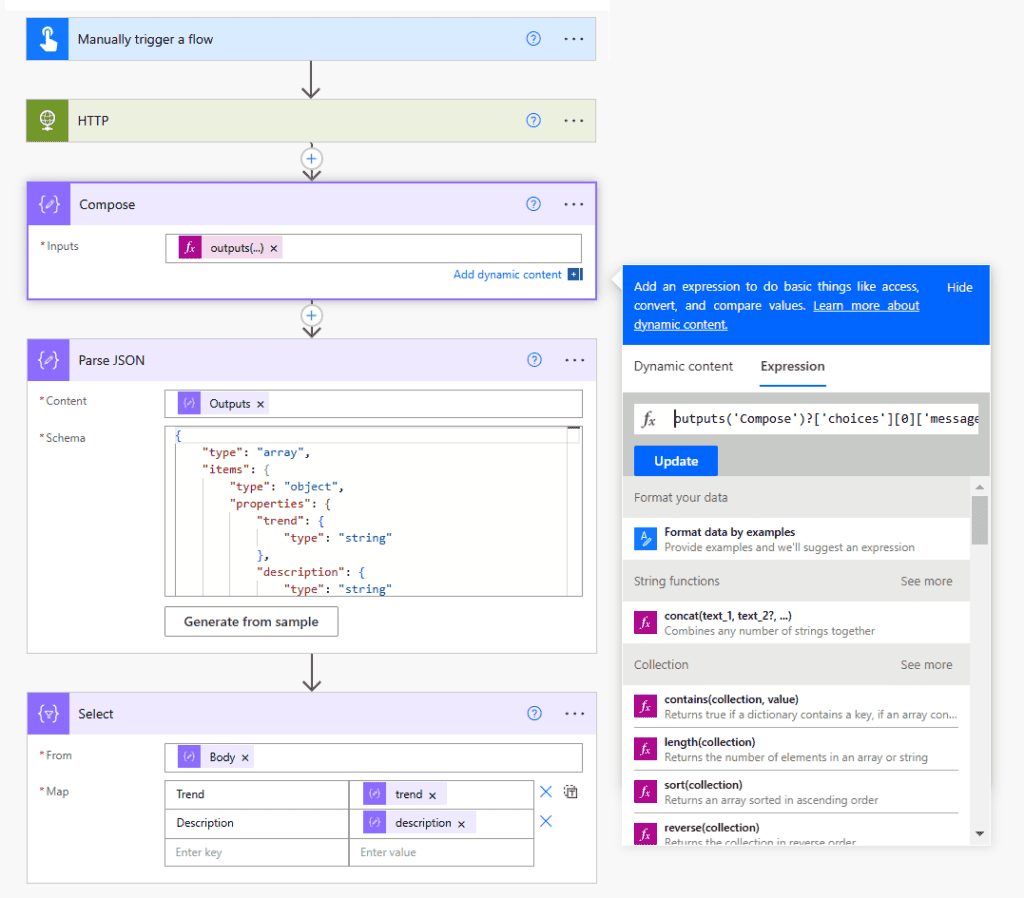
This is a very useful tip that makes working with JSON content in Power Automate much easier! I’ve discussed in previous posts how to understand and navigate a JSON structure, so if you need guidance with this, then check out the following: • Creating Clean JSON in Canvas Apps• Navigating a JSON Structure• Flattening a Nested JSON with… READ MORE

SharePoint Command Bar Customization for Power Users
Blog Posts

In this blog post, you’ll learn how to customize the SharePoint command bar, which is the toolbar that appears at the top of lists and libraries. This is a new feature that allows you to use JSON code to change, edit and hide the out-of-the-box commands, such as new, share, edit, delete, etc. You can… READ MORE

Set up Workload Identity federation for ADO Connection
Blog Posts

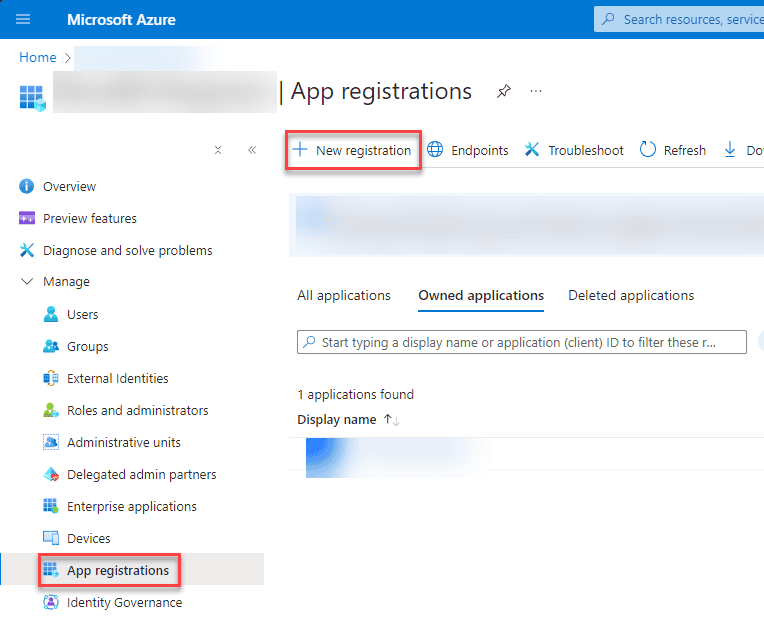
Application ID and client secret were the preferred way of authenticating Azure DevOps (ADO) to a Dataverse instance. For a few months, there has been a new way of doing this part, workload identity federation. This blog post will show you how to set up Workload Identity federation for ADO connection. The service connection we… READ MORE