Category: Power Automate

Manipulate JSON objects or arrays: using setProperty/addProperty
Blog Posts

In Power Automate, working with JSON objects and arrays is essential for building advanced, scalable, and maintainable flows. JSON acts as the backbone of data exchange, allowing you to represent structured information flexibly. Two powerful expressions—setProperty() and addProperty()—unlock the ability to dynamically update, expand, and manipulate JSON objects. This article explores what these functions do, why they matter, and… READ MORE

Environment variables in Canvas Apps
Blog Posts

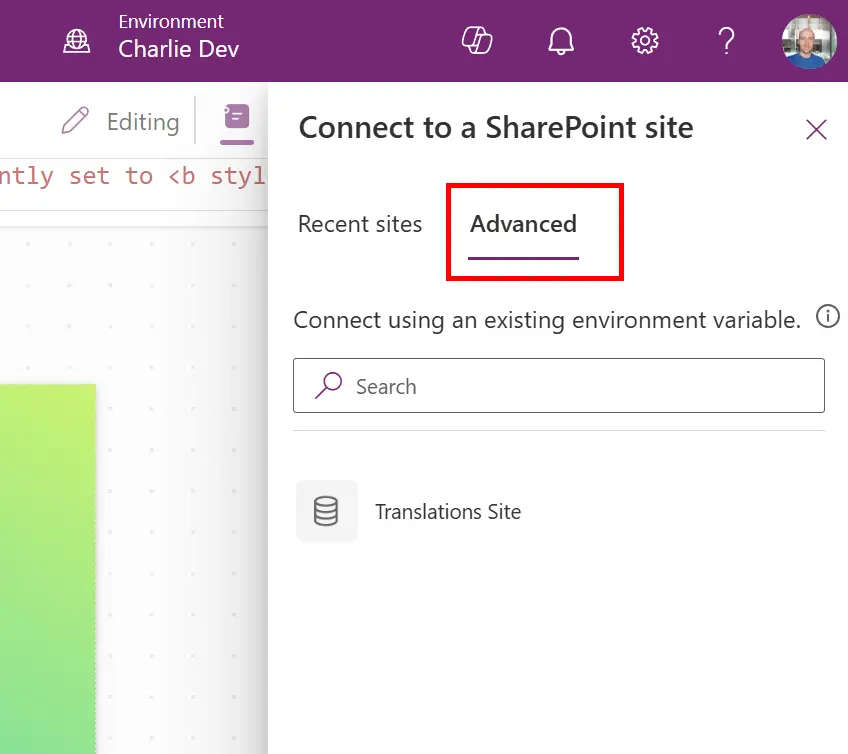
What are Environment Variables? Environment variables are a way to store and manage configuration data that can be reused across apps, flows, and other components within a Dataverse environment. They help make your solutions more portable, maintainable, and scalable. As an example, you might be storing your files in Azure Blob storage. You would want… READ MORE

Basic – DocuSign for Power Automate
Blog Posts

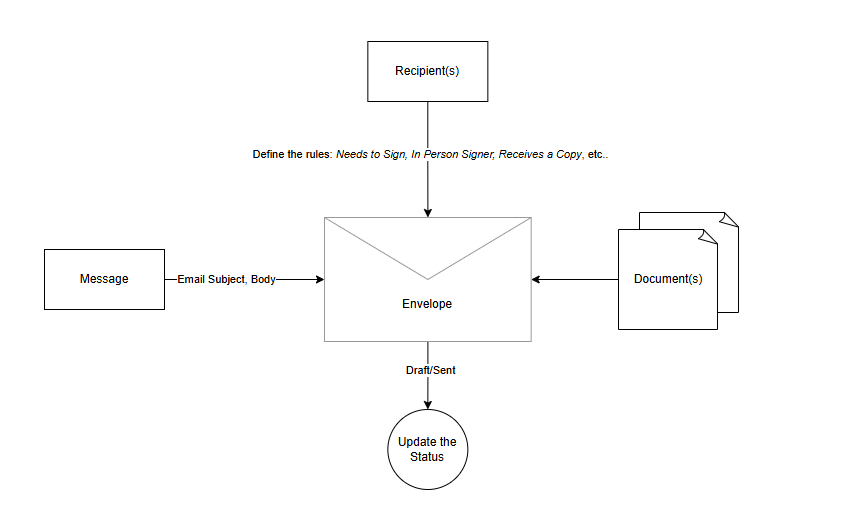
Hi Everyone, I’m back, and today, we will learn how to implement translating addresses to longitude and latitude (using Azure Maps API) and validating check-ins. For example, there will be a plan for the Salesperson to go to location X for Customer A. On the day itself, the Salesperson can check in on the Client Office,… READ MORE

Power Fx Navigate with Record Context - The Hidden Object Wrapper
Power Fx Navigate with Record Context – The Hidden Object Wrapper
Blog Posts

Recently I struggled to navigate between custom pages in Power Fx while passing a record as context. The error was vague and the solution wasn’t obvious. The Problem I tried the straightforward approach: This threw a generic error: “Unsupported property ‘_ownerid_value’.” The error message didn’t point to the real issue, making it difficult to diagnose.… READ MORE

Default retry settings in Power Automate
Blog Posts

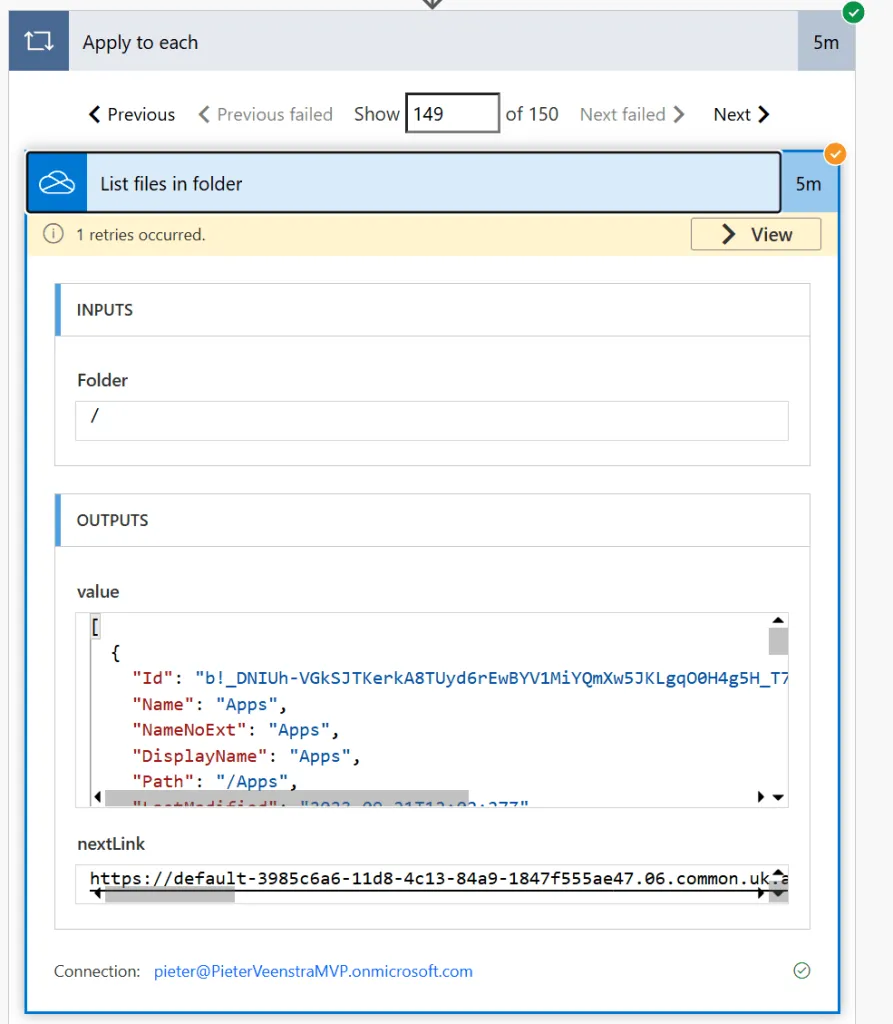
When actions in Power Automate flows go wrong, they may rerun depending on the failure occurred. One of the errors that may trigger is the 429 Error that is reported when there are throttling issues OneDrive for Business connector Table of Contents In this post I’m using the OneDrive for Business connector as its throttling and retry… READ MORE

Automating IT Support Requests with Microsoft Power Automate
Blog Posts

Introduction Managing IT support requests manually can be time-consuming and prone to delays. In this blog, we’ll walk you through how to build a simple yet powerful IT support automation flow using Microsoft Power Automate and Microsoft Forms. From capturing support tickets via forms to automatically creating Planner tasks, sending acknowledgment emails, and updating task… READ MORE

How to Collect Data Like a Pro with Microsoft Lists Forms
How Tos

This tutorial highlights the latest enhancements in Microsoft Lists forms, empowering you to collect data more efficiently. We cover: Creating forms with new field types Conditional branching for personalized form experiences Logo support Notifications for new form responses Configuring rules to trigger conditional notifications based on column values without using Power Automate. Continue your learning… READ MORE