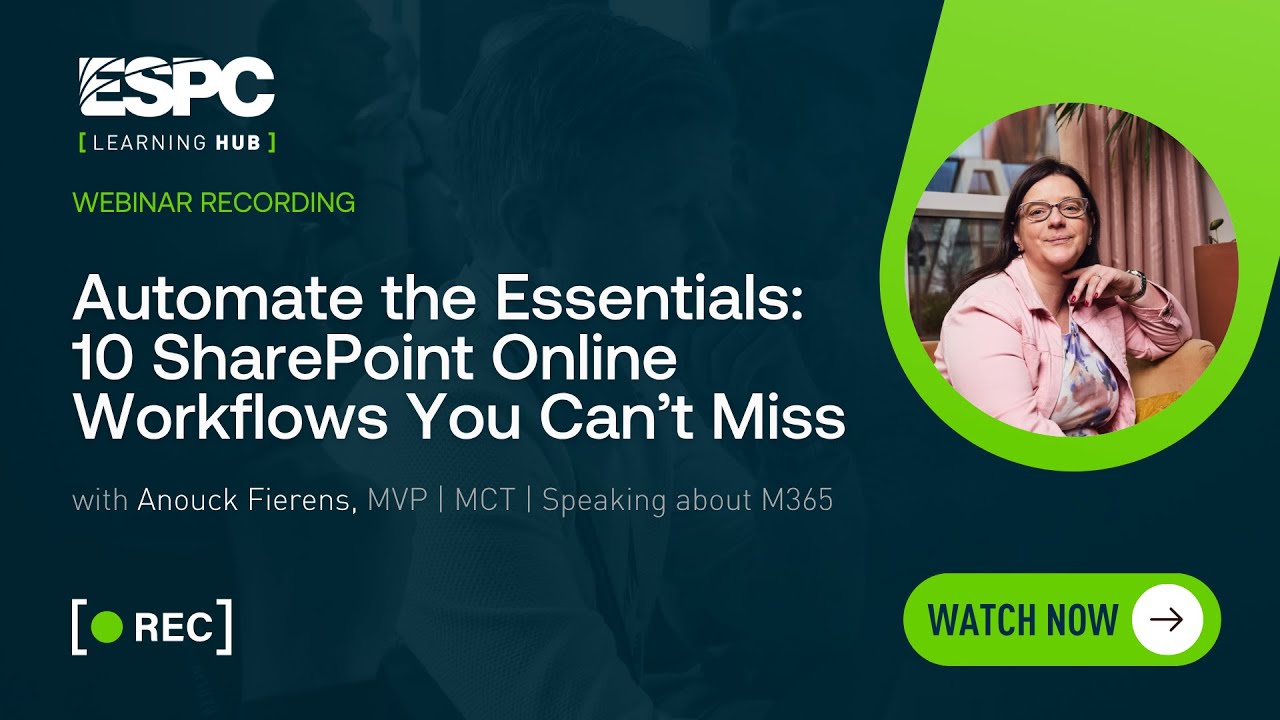
Tired of chasing approvals or digging through outdated content? SharePoint Online + Power Automate can handle that for you. In this session, we’ll walk through 10 must-have workflows that every organization should implement — including document approvals, content expiry reminders, leave requests, purchase approvals, and more.
Through real-world examples and live demos, you’ll see how easy it is to build these workflows without code. We’ll also share best practices, tips to avoid common mistakes, and ideas to expand automation further in your digital workplace.
By the end of the session, you’ll have a practical playbook of workflows you can roll out immediately to save time, boost adoption, and keep your organization on track.
Benefits:
- Discover 10 essential workflowsthat solve real business pains in SharePoint Online. Learn how to build and manage workflows easily with Power Automate, no coding required. Walk away with practical templates, best practices, and inspiration to streamline processes and boost adoption.
- Demo: yes I will do a run through with all these workflows
Experience level: 200
STAY UP TO DATE
Continue your learning and register for upcoming webinars here.
Catch up on the latest blogs, eBooks, webinars, and how-to videos.
Not a member? Check out our Learning Hub to unlock all content.
Subscribe to our YouTube channel for the latest community updates.