Tag: Power Automate

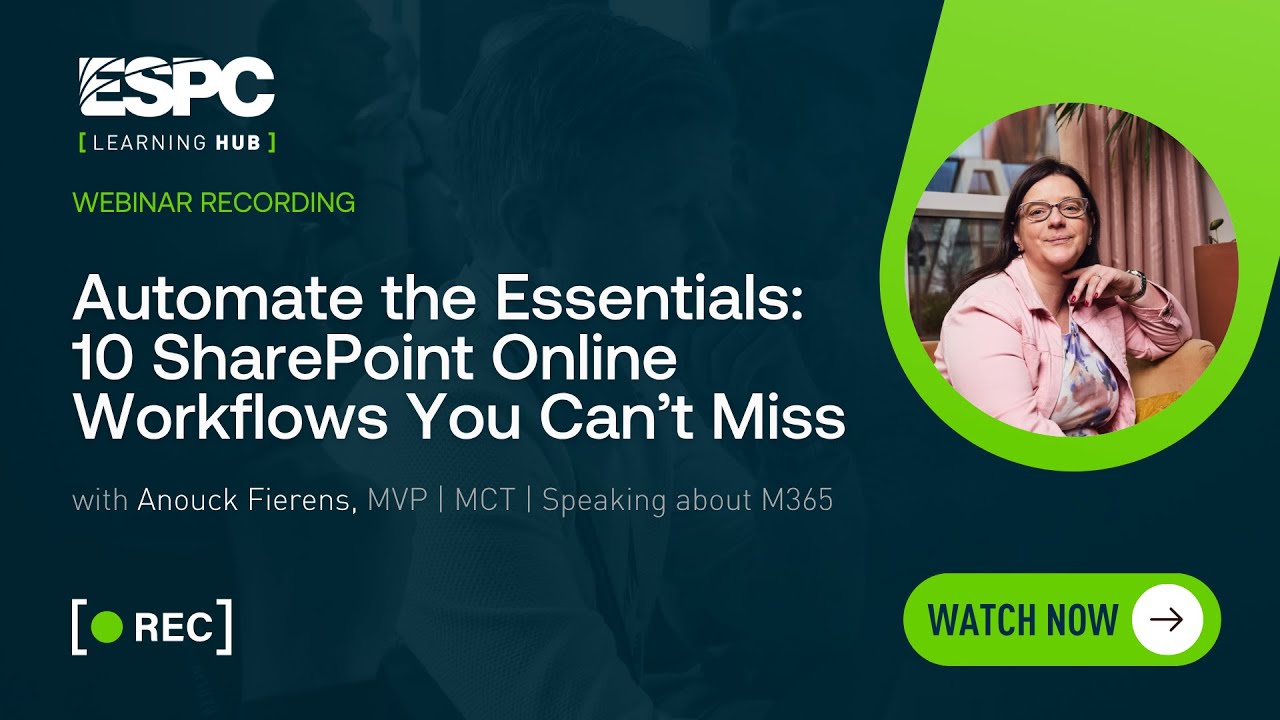
Automate the essentials: 10 SharePoint Online workflows you can’t miss
Webinars

Tired of chasing approvals or digging through outdated content? SharePoint Online + Power Automate can handle that for you. In this session, we’ll walk through 10 must-have workflows that every organization should implement — including document approvals, content expiry reminders, leave requests, purchase approvals, and more. Through real-world examples and live demos, you’ll see how easy it… READ MORE

Buttons in SharePoint Lists – Low Code Logic
Webinars

Wouldn’t it be great if users could take action in SharePoint with just one click — no menus, no panels, no hassle?   In this session with Laura Rogers, you’ll learn how to create interactive buttons in SharePoint lists using simple JSON formatting. Discover how to make these buttons trigger workflows instantly, update list values,… READ MORE

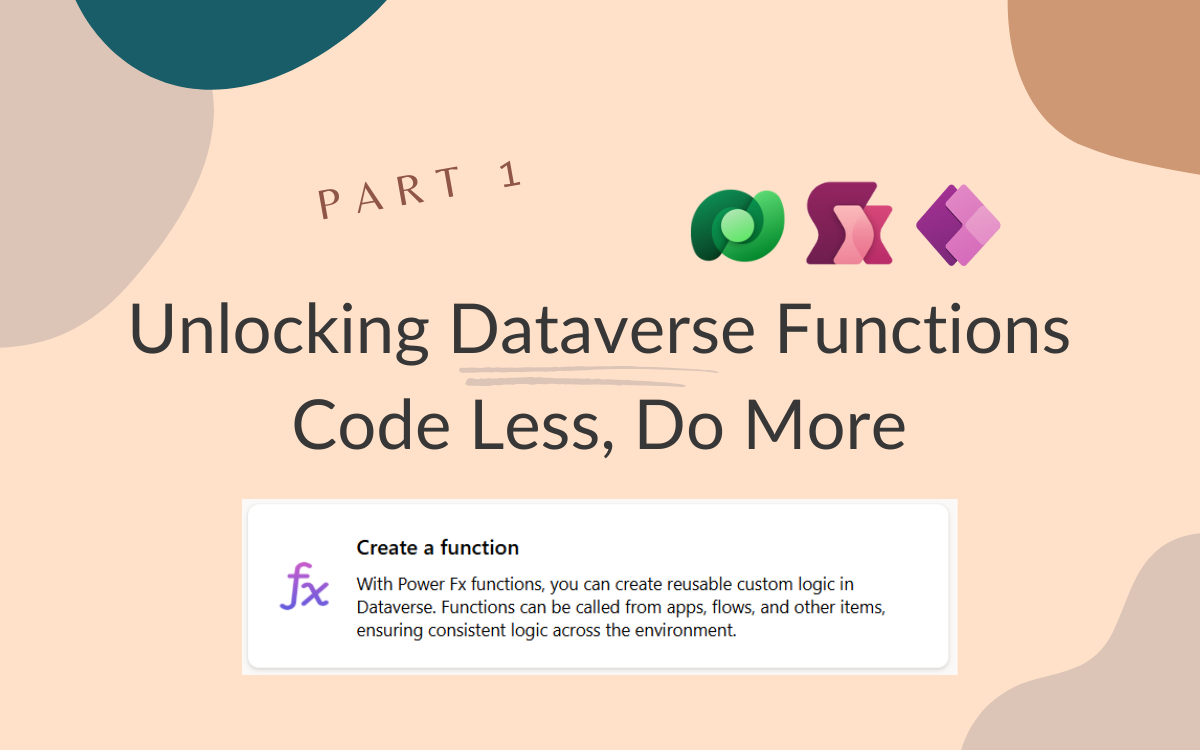
Unlocking Dataverse Functions: Code Less, Do More!
Webinars

Are you ready to supercharge your apps and workflows? In this session, we’ll dive deep into Functions and triggers (formerly known as low-code plugins) —a game-changing tool that makes building powerful logic easier and faster than ever. These reusable functions execute a specific set of commands within Dataverse, running server-side. We’ll explore real-world use cases… READ MORE

The End of Manual Work: How Low-Code Automation Is Transforming Document Processing in Microsoft 365
Webinars

Manual document processing is one of the biggest bottlenecks in modern workplaces. From slow approvals to inefficient data entry, outdated workflows drain productivity, introduce compliance risks, and frustrate teams. The need for smarter, scalable solutions has never been greater. The rise of low-code automation is changing the game. Organizations leveraging automation are accelerating document classification,… READ MORE

Copilot Studio – The Ultimate User Guide
Blog Posts

Following the Ultimate User guides for Power Automate, Power Apps and Power Pages, I’ve recently started with the Copilot equivalent. What is Copilot Studio? Table of Contents Maybe we should first look at What is Copilot? Well we all remember clippy (or at least we remember those old folks talking about it). Whenever you didn’t want help clippy would… READ MORE

Using SharePoint Lists with Microsoft Copilot Studio
Blog Posts

Using SharePoint Lists with Microsoft Copilot Studio 5 minute read Overview SharePoint lists offer a powerful solution for businesses looking to centralize data management, streamline processes, foster collaboration, and drive productivity across various business scenarios. Over the past 2 decades, organizations have been using SharePoint to store relevant information. This article is all about how… READ MORE

Automate Web Research with Power Platform: AI-Powered Google Search Scraper
Blog Posts

Introduction In today’s data-driven world, extracting valuable insights from the web can be crucial for research, competitive analysis, and business intelligence. To streamline this process, I have built a Google Search Scraper solution using Microsoft Power Platform, integrating various components like Power Automate, Power Automate Desktop (RPA), AI Builder, Canvas App, and Dataverse. This blog will walk you through the… READ MORE