Category: General

Categories and tags are the two default taxonomies that we use at the European SharePoint, Office 365 & Azure Community website. By design, all posts must be filed under at least one category. As you can imagine, ‘General’ is where we can list almost any topics that is not filed under the other subject headings.

However, some subjects are wide and broad in subject and need to be included in our blog, but don’t quite fit under the existing taxonomies. Hence the ‘General Category’. Content covered can vary from a .NET Runtime for AOT to a SharePoint Conference North America Keynote Summary, Pulse Survey or monthly top SharePoint, Office 365 & Azure resources.

Training Week April 2017
Blog Posts

Later in the month we have five extraordinary speakers taking part in Training Week from the 24-28 April 2017. Join any or all five expert webinars on the hottest SharePoint topics which include: Monday: Legends Christian Buckley & Eric Overfield discussed independent research conducted into The State of the Hybrid SharePoint Ecosystem – learn from this deep… READ MORE

[SOLVED] Cannot Connect to Project Online
[SOLVED] Cannot Connect to Project Online
Blog Posts

Could not load project, job failed, retrieve enterprise global template, internal error, unable to open your project – Cannot Connect to Project Online? If you are having any of the issues below when using your Project Professional connected to Project Online, I have the solution for you! Microsoft Project Unable to display Projects from the… READ MORE

Creating a Workflow in Office 365 SharePoint
Blog Posts

In this article, we shall see how to create a new workflow in Office 365 SharePoint. By reading this article we can learn below points, a) How to create new workflow for the Library b) How to Apply the Created Workflow to the Libraries c) How to assign the Task to Resource d) Email Trigger… READ MORE

Ultimate guide to SharePoint size and usage limitations
Blog Posts

SharePoint size and usage limitations If there’s one thing all SharePointers have to keep in mind, it’s the limits of the tool you’re using. Some of these can be annoying, though most of them won’t bother you… for the most part.   That is until you discover their existence, seemingly right when you’re trying to… READ MORE

SharePoint Intranet Home Page: 8 Best Practices
Blog Posts

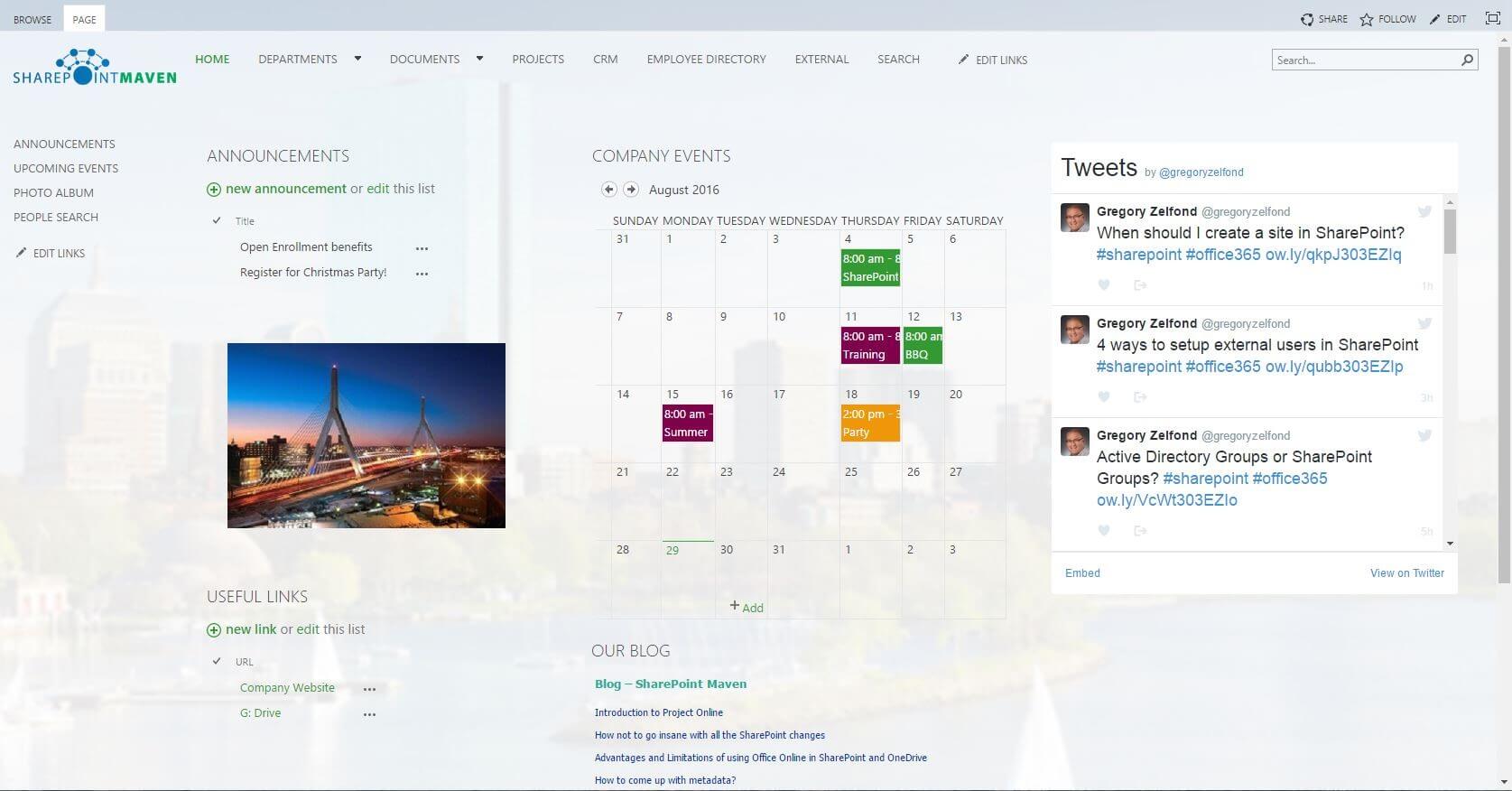
If you are building your company’s Intranet on SharePoint, you will eventually have to make one very important decision: What do you do with the Intranet home page? No matter what the objective of your portal is, you kind of need to have a home page. But how do you go about designing it? What… READ MORE

Create Tab in Office 365 SharePoint Lists
Blog Posts

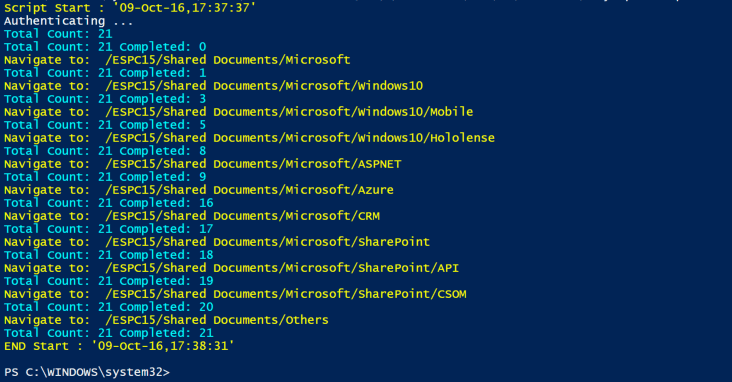
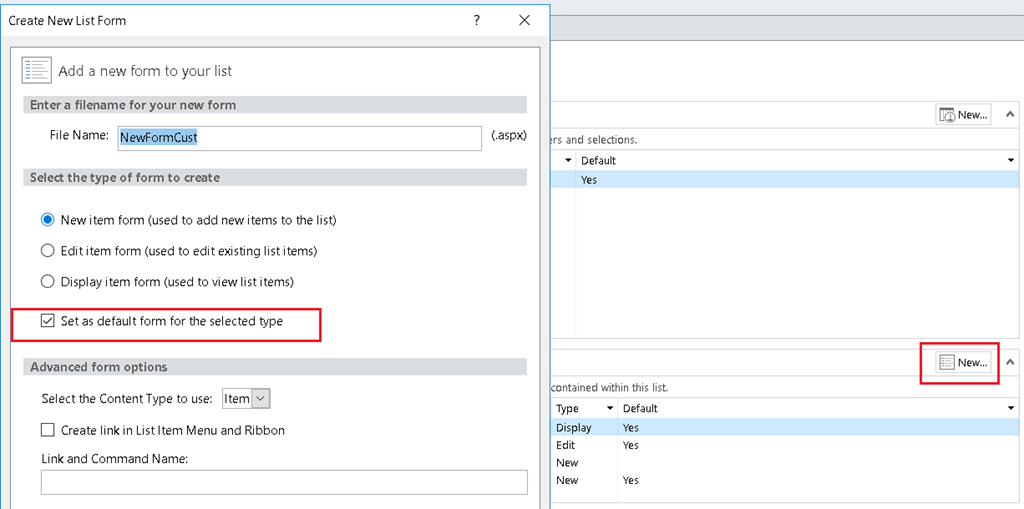
This short article shows you how to create tab look in SharePoint Custom Lists When I went to http://www.w3schools.com/howto/howto_js_tabs.asp. I saw the tab I want but how am I going to put this in my Office 365 SharePoint. Create a SharePoint Custom List Open SharePoint Designer 2013 and point to the SharePoint site. Choose Lists… READ MORE

Disable SharePoint Alerts on a Specific List
Blog Posts

Here’s the scenario: You have a picture library that stores employee photos. This might be the case if you’re not storing the photos in Active Directory yet perhaps. Now, HR comes to you and says that “we want to be sure that employees can’t set an alert, because then they would know if we remove a picture when an employee is terminated”. Hmmm I never thought about it in that way, you’re right